

Game facts
- Type
- geometry
- Input
- Keyboard and Touch. The key list is in Controls below.
About Geometry Arrow
Geometry Arrow is a unique platformer game that takes inspiration from the popular Geometry Dash series' wave mode. Based on the groundbreaking wave game mode created by Swedish developer Robert Topala in 2013, this game offers its own original experience. Players control a triangular arrow that moves in a zigzag pattern through obstacle courses. The arrow constantly moves forward, requiring quick judgment and precise timing. With 6 distinct levels offering different challenges, the game features a well-balanced difficulty curve that appeals to both beginners and advanced players.
How to play
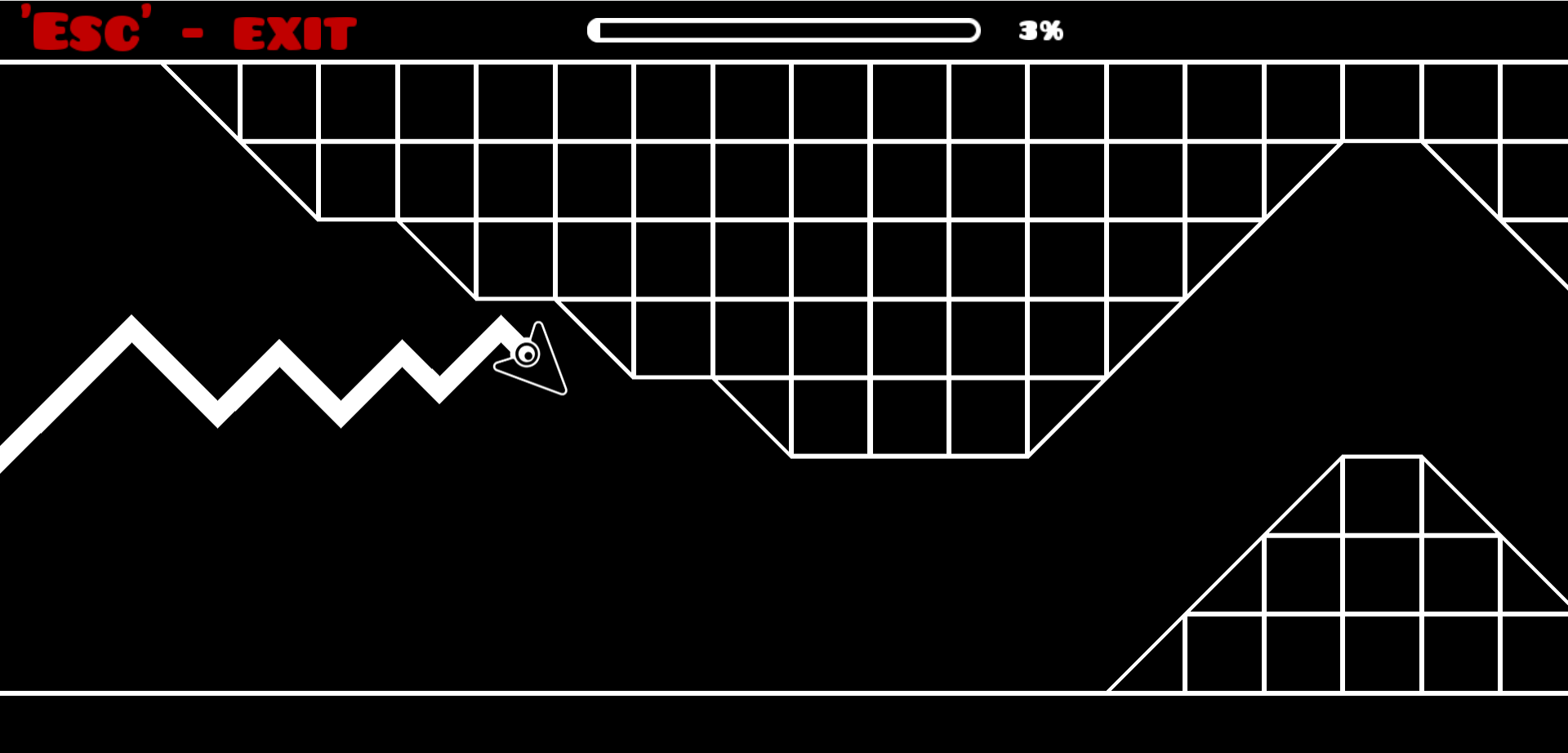
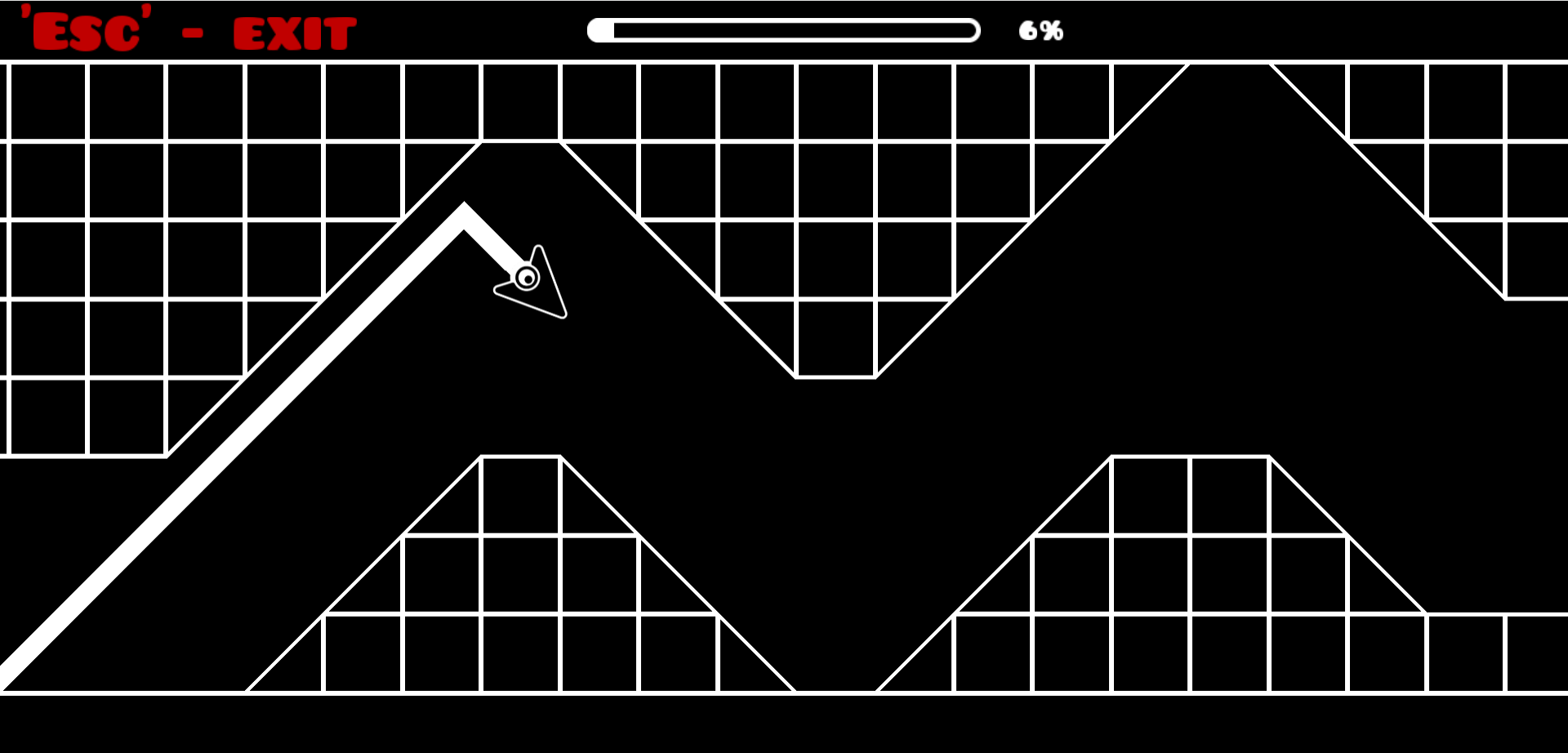
Geometry Arrow optimizes the wave mode as its core gameplay mechanic. Players control a triangular arrow icon that navigates through obstacle courses in a zigzag pattern. Since the arrow always moves forward, quick reflexes and accurate timing are essential. Click the left mouse button to move the arrow up, and release to move it down. Gravity affects the wave's motion, creating a distinctive zigzag pattern. The arrow can pass through space, ground, and ceiling without obstacles, but touching any obstacle results in game over. Each level progressively increases in difficulty, testing players' reflexes with complex obstacle arrangements including spikes, moving platforms, and narrow passages.
Controls
Keyboard
Click left mouse button to move arrow up, release to move down. Click and hold to glide on the ceiling.
Touch
Tap screen to move arrow up, release to move down. Tap and hold to glide on the ceiling.
Click or tap inside the game window first. If a key does nothing, follow the prompt shown by this version of Geometry Arrow.
Tips
- Learn the patterns: Each level has a fixed map. Observe and memorize these patterns to calculate your way through when replaying.
- Stay calm under pressure: Some levels are intentionally chaotic to throw you off balance. Keeping your focus is critical!
- Practice early levels: Replaying earlier levels can sharpen your skills and improve your reaction time for more challenging stages.
- Master the click-and-hold mechanics: Control the timing of ascent and descent precisely.
- Predict obstacle placement: Always be aware of the next obstacle and time your direction changes appropriately.
What changes during play
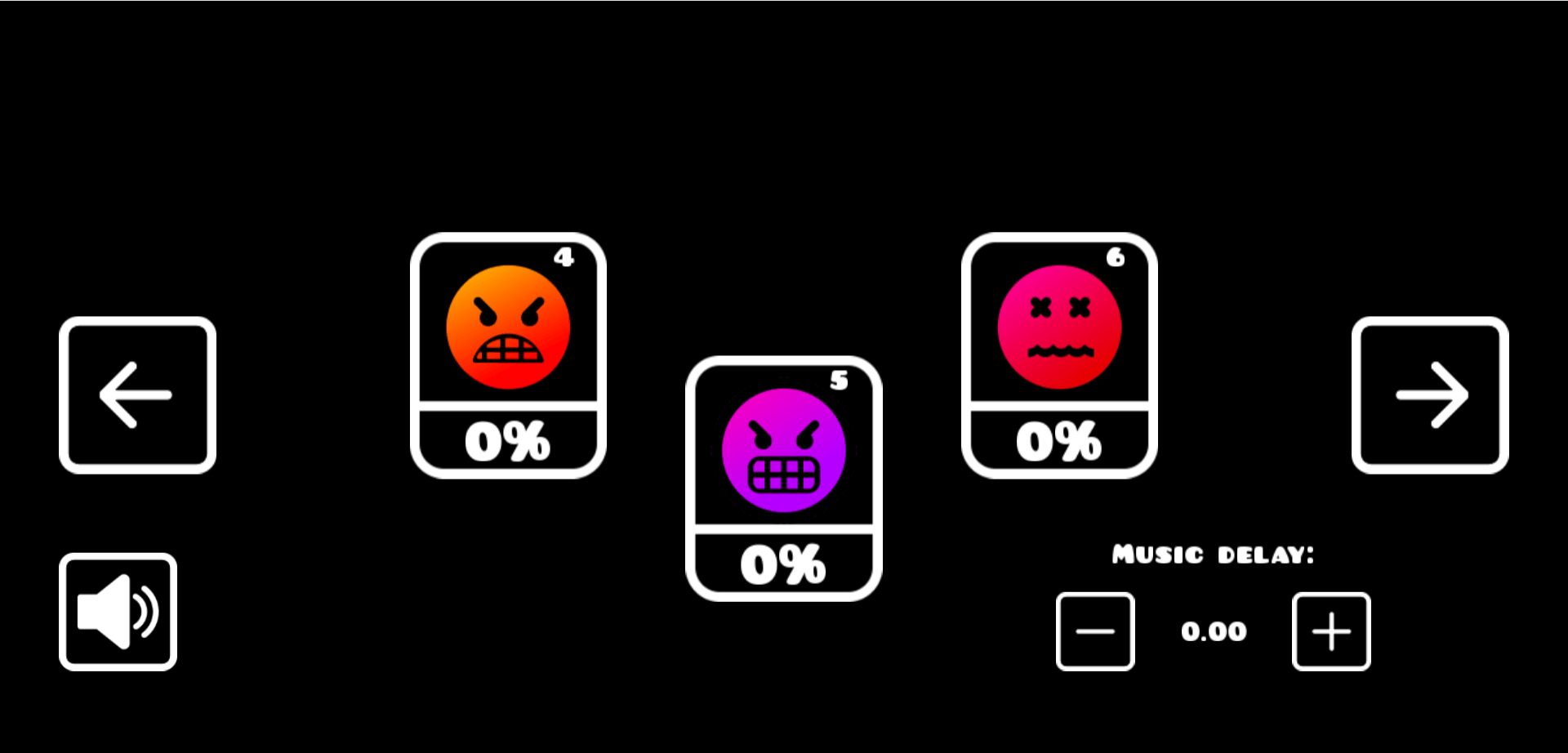
Geometry Arrow features 6 levels, each offering different difficulty and challenges: - Level 1 (Easy): Introduction level that teaches the game's basic elements - Level 2 (Normal): Adds long spike courses and floating obstacles - Level 3 (Hard): Features giant wall blocks and spikes, with increased arrow speed - Level 4 (Harder): Fast and difficult turning point level - Level 5 (Insane): Long and dark track with unexpected obstacles - Level 6 (Demon): Ultimate challenge with unpredictable obstacles and peak speed
Screenshots
Frequently asked questions
What is Geometry Arrow?
Geometry Arrow is a unique platformer game that takes inspiration from the popular Geometry Dash series' wave mode.
How do you play Geometry Arrow?
Geometry Arrow optimizes the wave mode as its core gameplay mechanic.
How do you control Geometry Arrow?
Click left mouse button to move arrow up, release to move down.


