

Game facts
- Type
- Platformer
- Controls
- One player: WASD or arrow keys. Two players: arrow keys for Player 1, WASD for Player 2. Match the prompt in the loaded game.
- Canvas
- 852 by 480, checked October 28, 2026.
- Modes
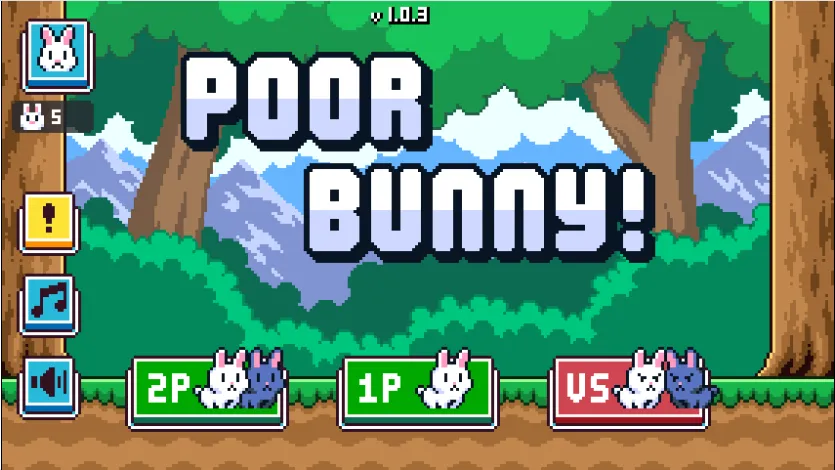
- The title screen shows 1P, 2P, and VS. Use the option that appears in this version.
Play Poor Bunny
Start the game in the player above and follow the instructions displayed in the game. Make sure the game has finished loading before beginning.
Quick start:
- Start or focus the game.
- Check the movement controls.
- Move toward available carrots while watching for hazards.
- Avoid dangerous obstacles and adjust your route when the arena changes.
The available controls and game modes may depend on the version running on this page.
Poor Bunny: Game Overview
Poor Bunny is a fast-paced carrot-collecting platform game. You guide a bunny around an arena, collect carrots, and try to avoid hazards that can end your run.
The challenge comes from balancing movement, timing, and risk. A carrot may be close, but the route to it might leave little room to escape an obstacle. Watching the surrounding area before moving can help you make better decisions.
This page provides access to the game along with practical instructions, strategy suggestions, and troubleshooting information.
How to Play Poor Bunny
Game Objective
Your goal is to collect carrots while staying alive. Move carefully around the arena, pay attention to nearby hazards, and avoid taking a route that leaves you with no safe way to react.
Focus on understanding the movement first. Once you are comfortable with the controls, you can begin taking more calculated risks to collect carrots more efficiently.
Controls for One or Two Players
The current game listing describes keyboard controls for desktop play. In single-player mode, it lists WASD or the arrow keys for movement. Its two-player instructions assign the arrow keys to Player 1 and WASD to Player 2.
Check the in-game instructions before playing, especially if the controls do not respond as expected. The actual controls must match the version loaded above.
Playing on a Phone or Tablet
If the embedded game supports touch input, use the on-screen controls or touch gestures shown by the game. Make sure the game area fits within your screen and that the browser has finished loading the game.
If movement does not work, try tapping the game area first. If touch controls remain unavailable, the version embedded on this page may not support your device. More notes are on the Poor Bunny mobile page.
Poor Bunny Tips and Strategies
Plan Your Route to Each Carrot
Before moving toward a carrot, look at the surrounding space. Consider where you can move next if a hazard blocks your first route.
Avoid rushing directly toward a target when the path leaves you with very little room to change direction. A slightly longer route may give you more time to react.
React to Changing Hazards
Do not assume an area will remain safe just because it was clear a moment ago. Watch for changes in the arena and be ready to adjust your movement.
When several hazards appear close together, prioritize finding a safe path rather than trying to collect every nearby carrot.
Decide When a Risk Is Worth Taking
Some carrots may require you to move through a dangerous area. Consider the distance, available escape routes, and how much time you have to react before committing.
With practice, you can learn which situations you handle comfortably and which ones are better avoided.
Learn from Each Attempt
After a run ends, think about what caused the mistake. Did you move too early, miss a hazard, or choose a route without an exit?
Identifying one specific mistake at a time gives you a practical way to improve instead of relying only on faster reactions.
Poor Bunny Gameplay Screenshots
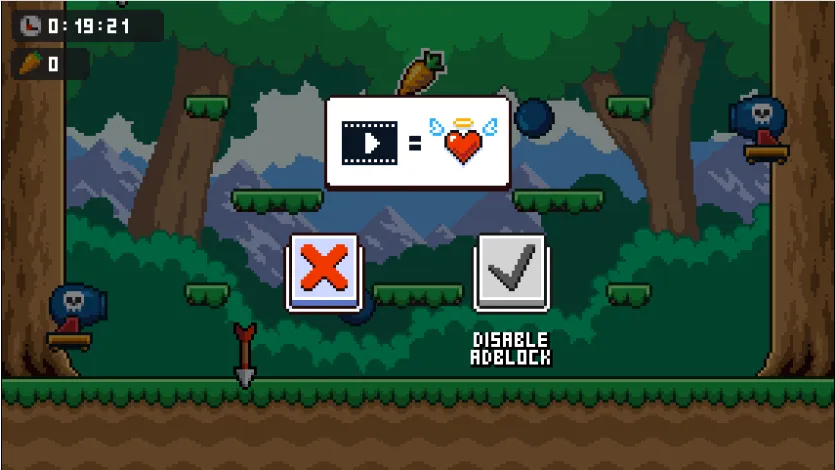
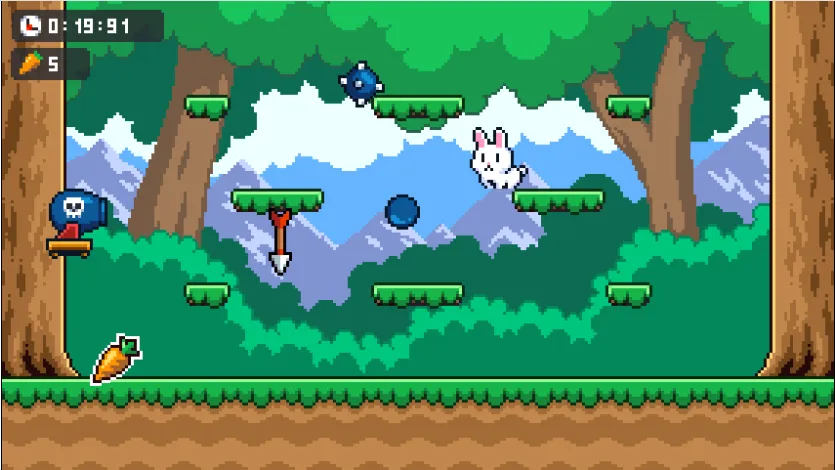
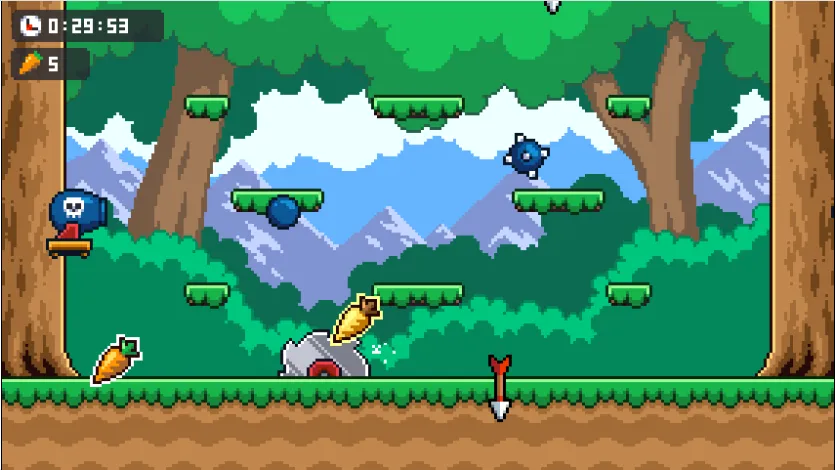
These images show scenes from the pixel version referenced on this page, including the mode select screen and the arena during a run.
Troubleshooting Poor Bunny
The Game Will Not Load
Wait briefly for the game to initialize. If the player remains blank, refresh the page and check your internet connection. You can also try an updated browser.
If the problem continues, the game file or the service providing the game may be unavailable. A longer checklist is on Poor Bunny not loading.
The Keyboard Controls Do Not Work
Click inside the game area to give it focus, then test the controls listed in the game instructions. Check whether another browser element or dialog is capturing your keyboard input.
The Game Does Not Fit My Screen
Try using the browser at a different zoom level or rotating your mobile device if the game supports that orientation. Full-screen mode should only be offered if it works correctly with the embedded player.
Can I Play with a Friend?
The current game listing describes local co-op and versus modes. Open the game's mode selection to check which options are available in the version loaded on this page.
Frequently Asked Questions
What is Poor Bunny?
You guide a bunny around an arena, collect carrots, and avoid hazards.
How do you control Poor Bunny?
Single-player desktop play uses WASD or the arrow keys.
Is Poor Bunny a two-player game?
Yes. The listed version includes local co-op and versus.
Can I play Poor Bunny on mobile?
Yes, when the embed loads. Tap the game and follow its touch prompts.
Why is Poor Bunny difficult?
Hazards change while you collect carrots, so each route needs room to react.
About This Game Page
PoorBunny.info provides access to Poor Bunny gameplay and practical information about its controls and mechanics. The goal of this page is to help players start the game, understand its basic rules, and troubleshoot common issues.
The features and controls described here match the version available on this website.
Site details are on About, questions go to Contact, and data practices are in the Privacy Policy.


